
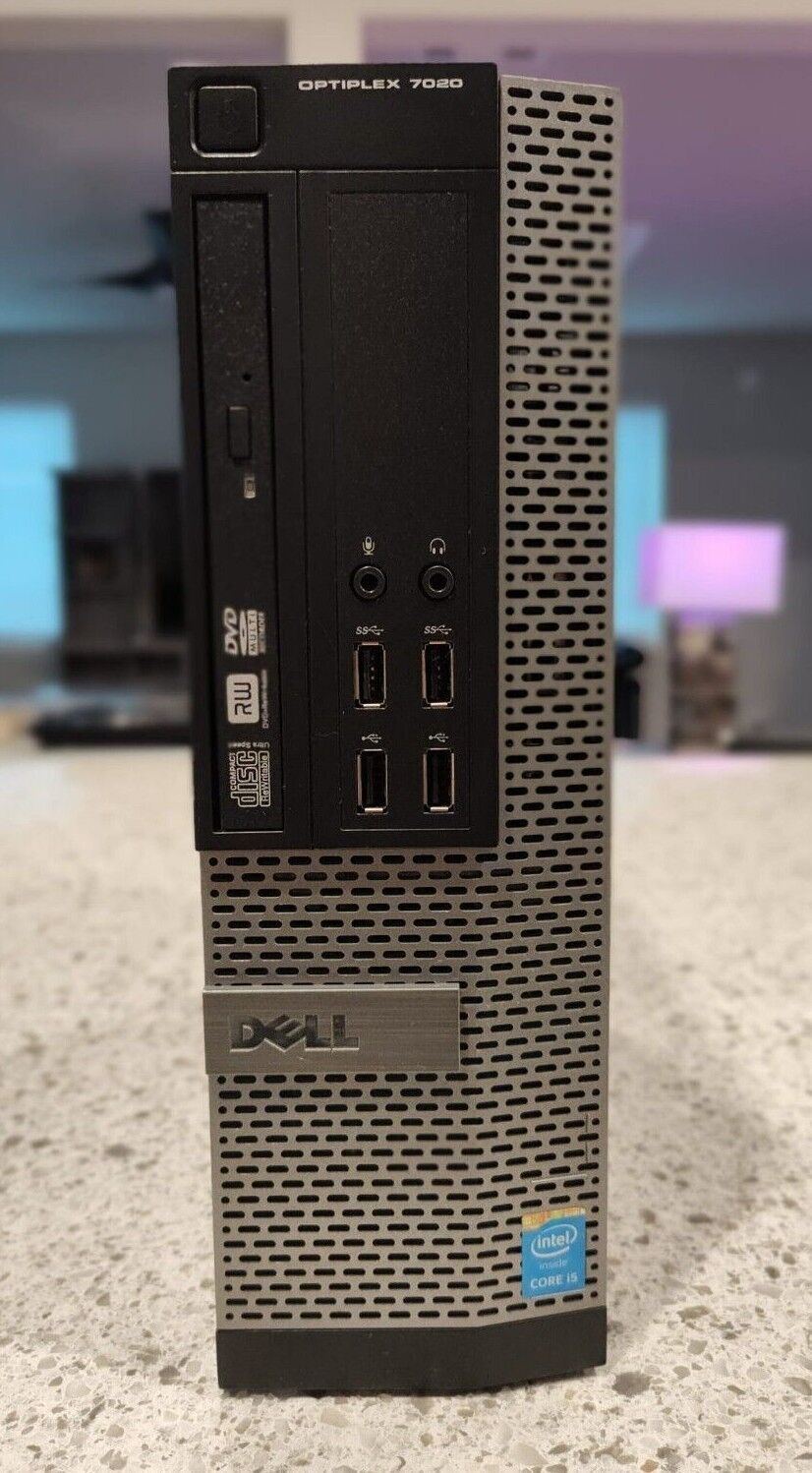
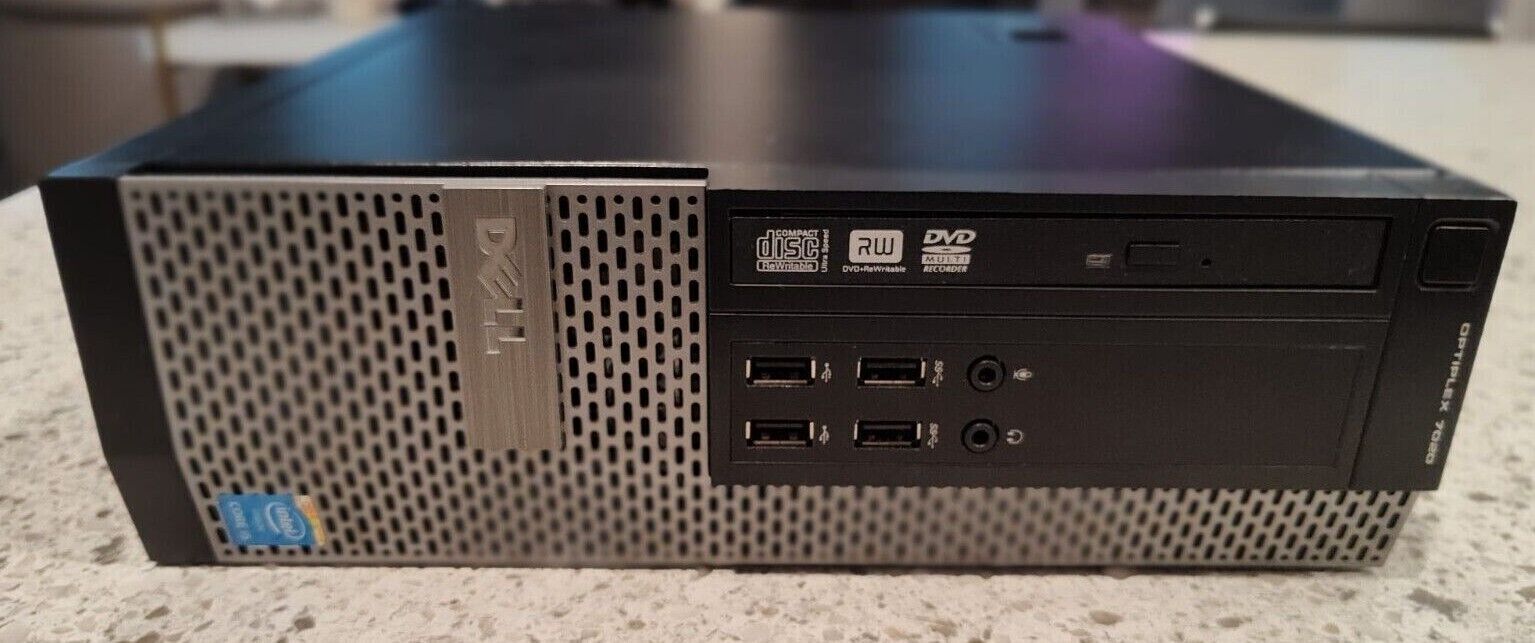
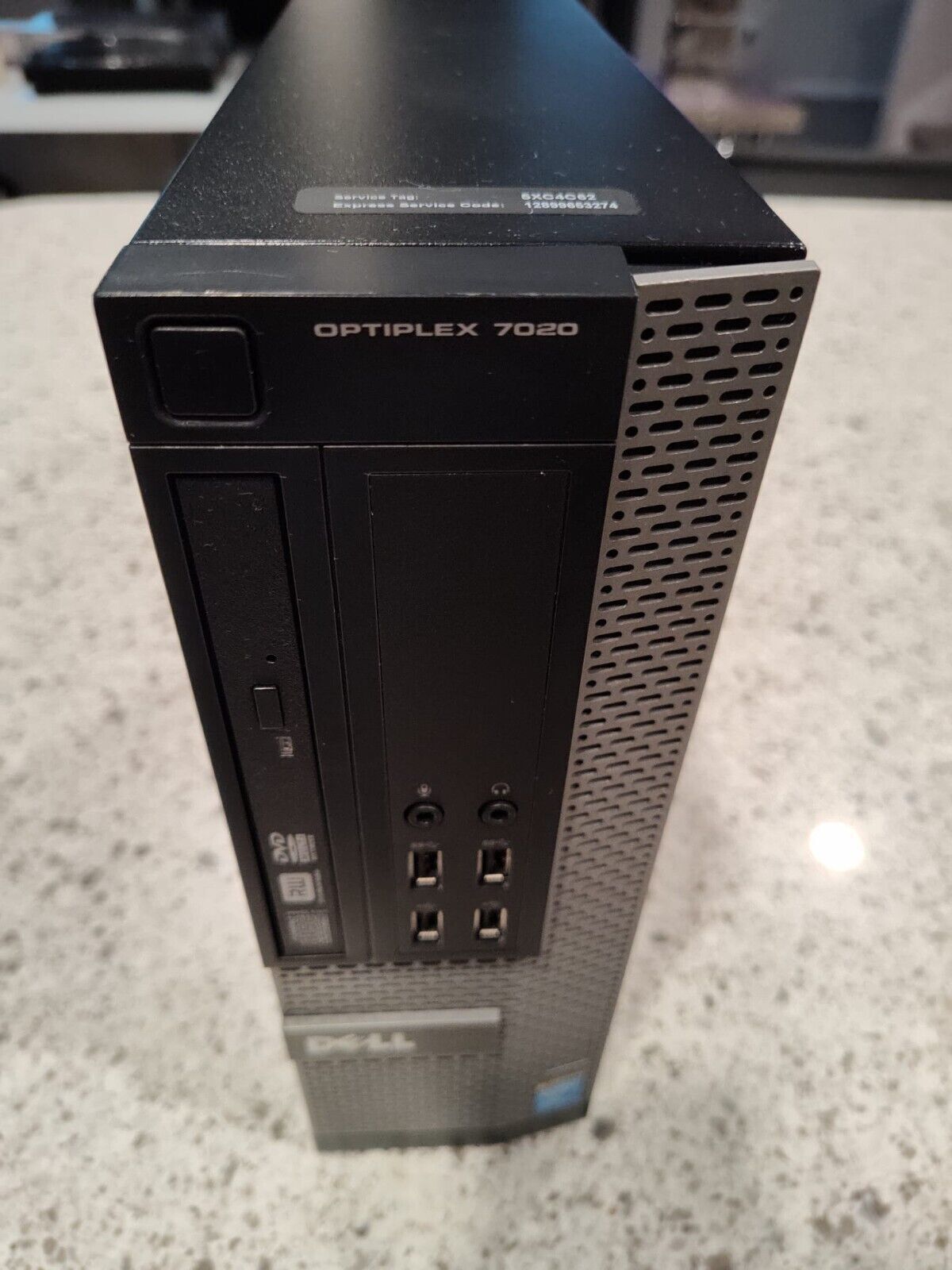
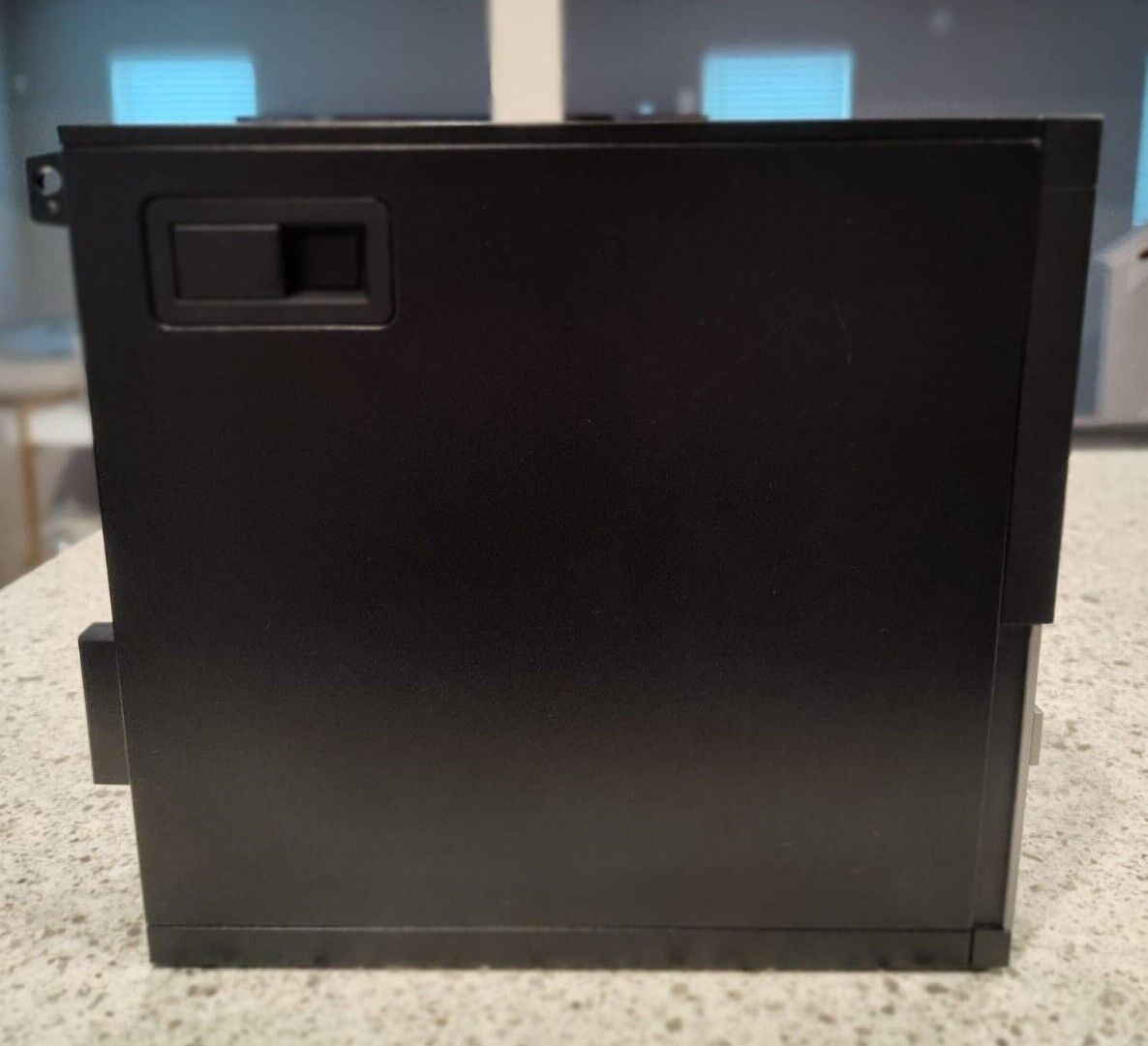
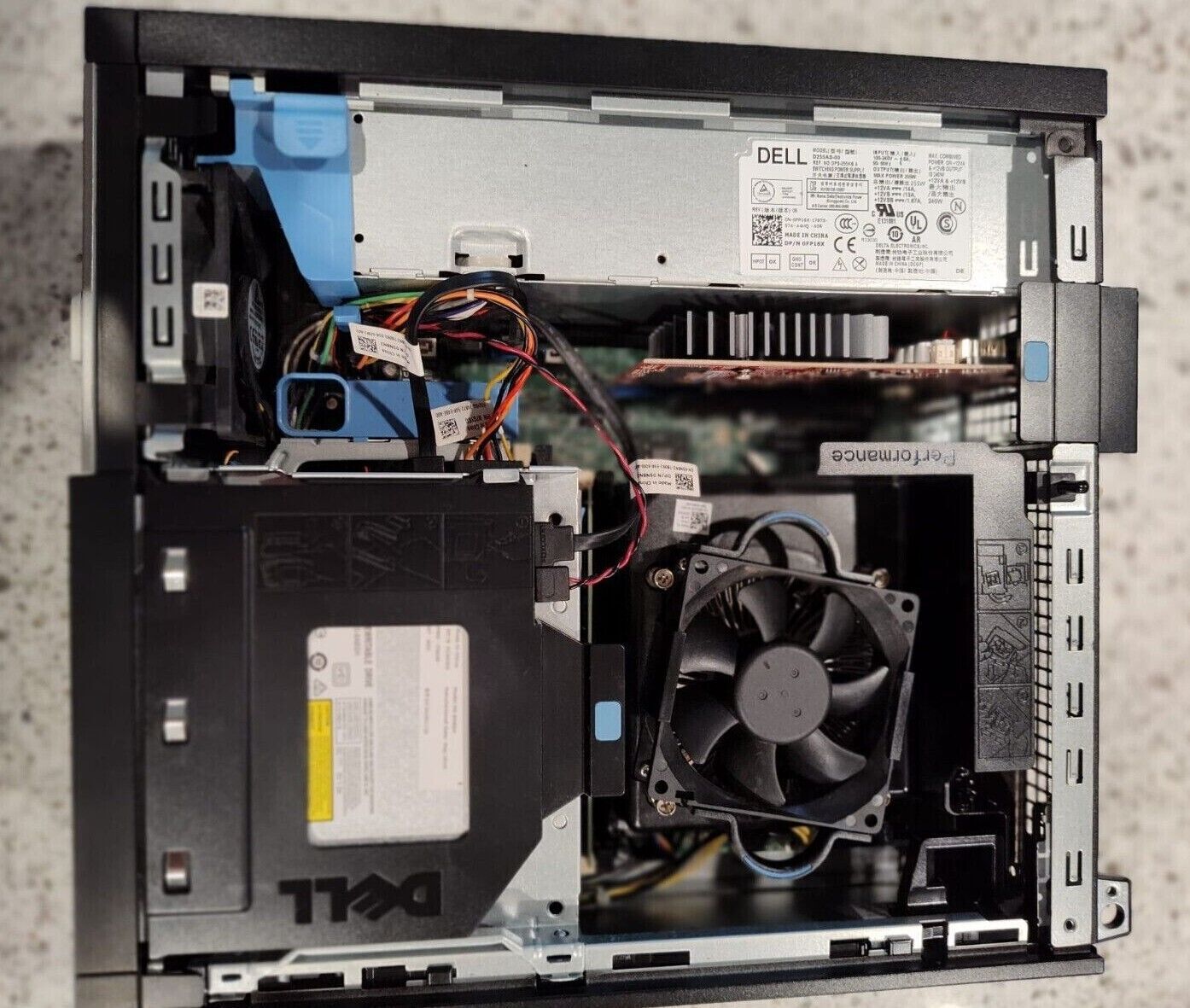
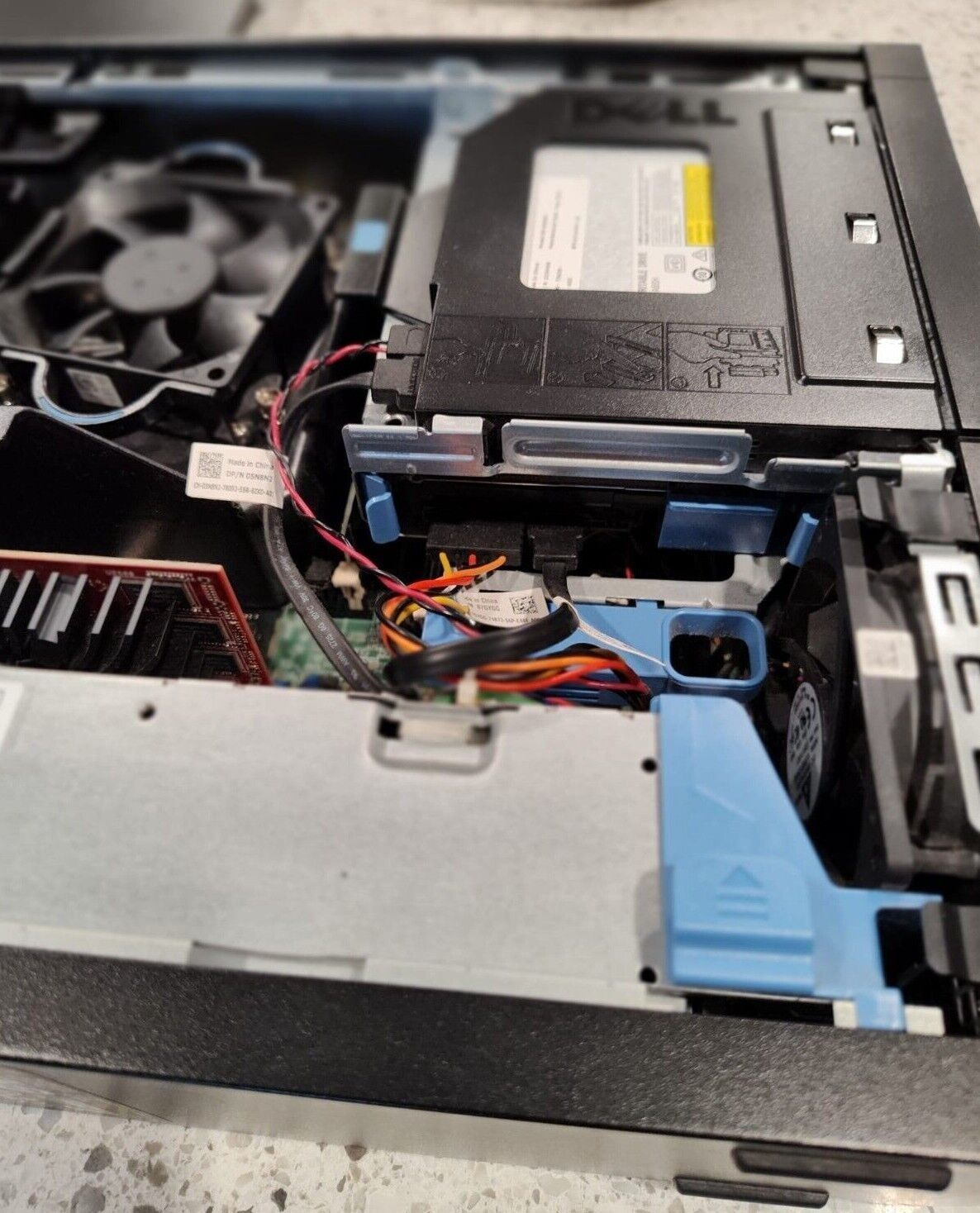
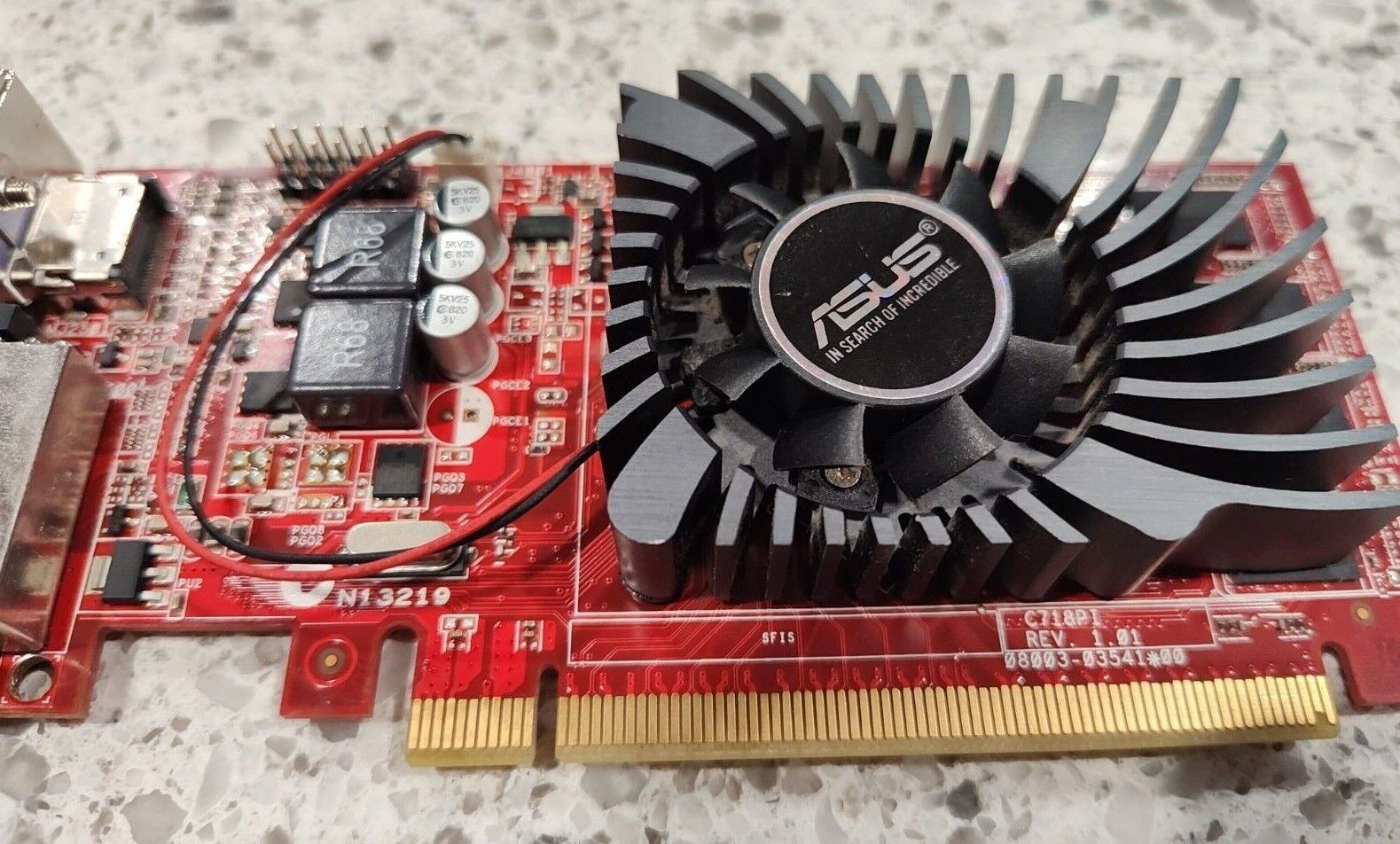
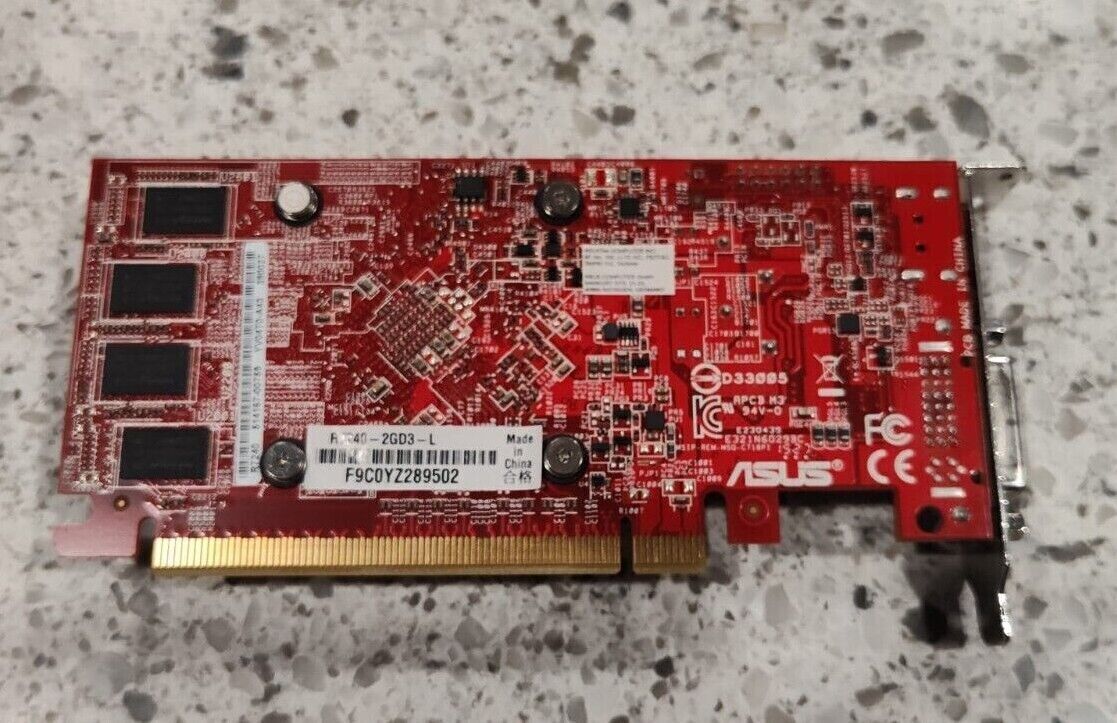
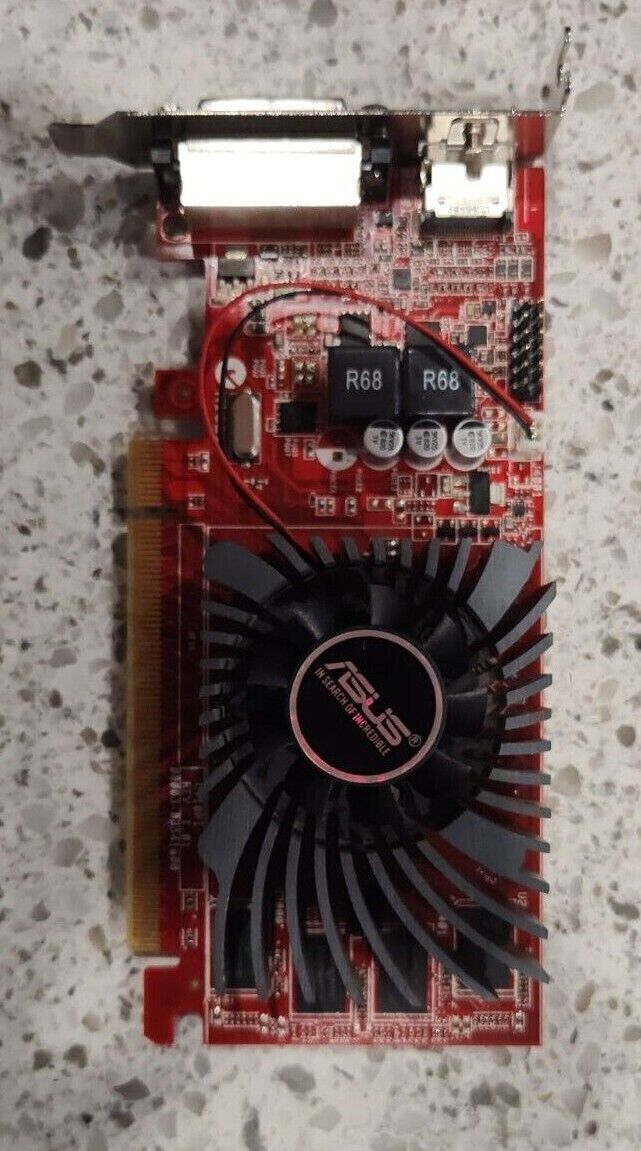
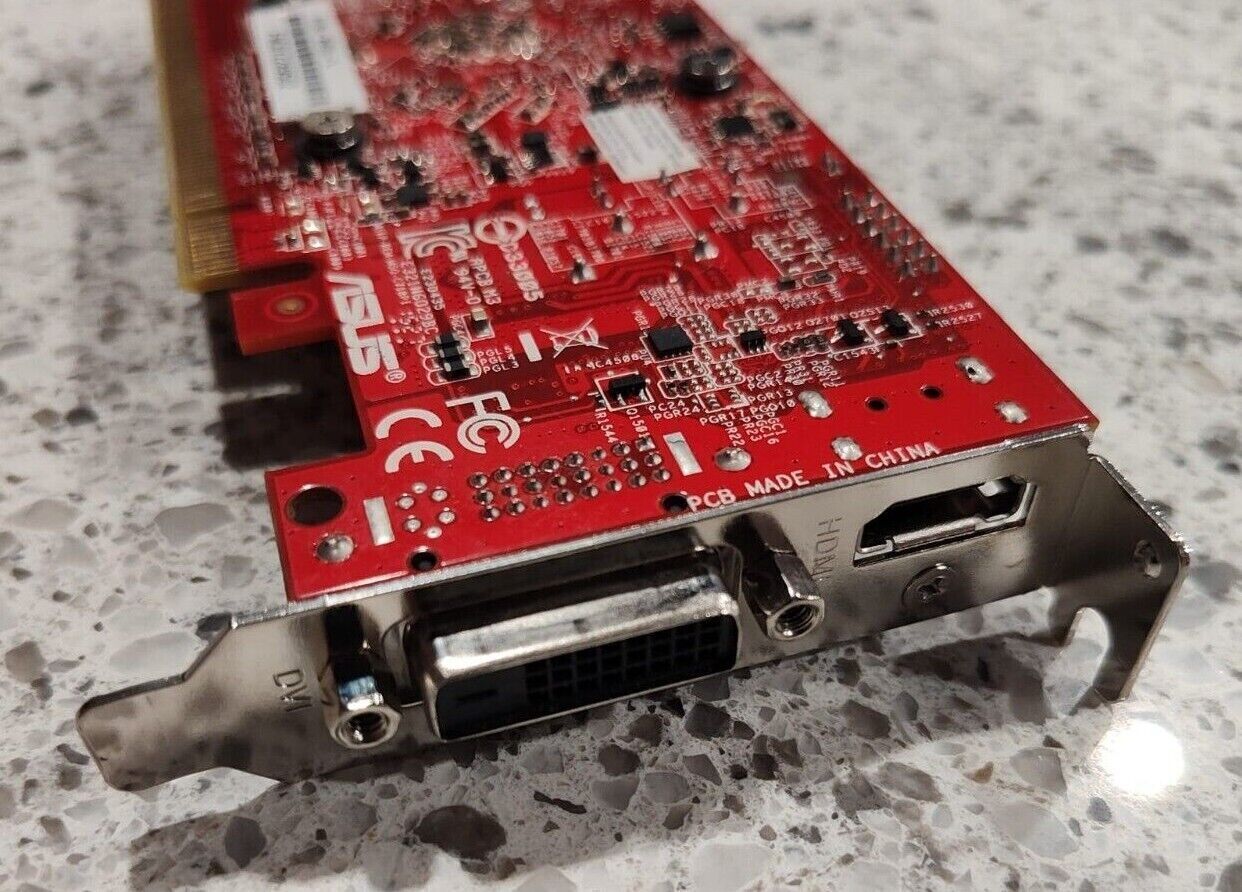
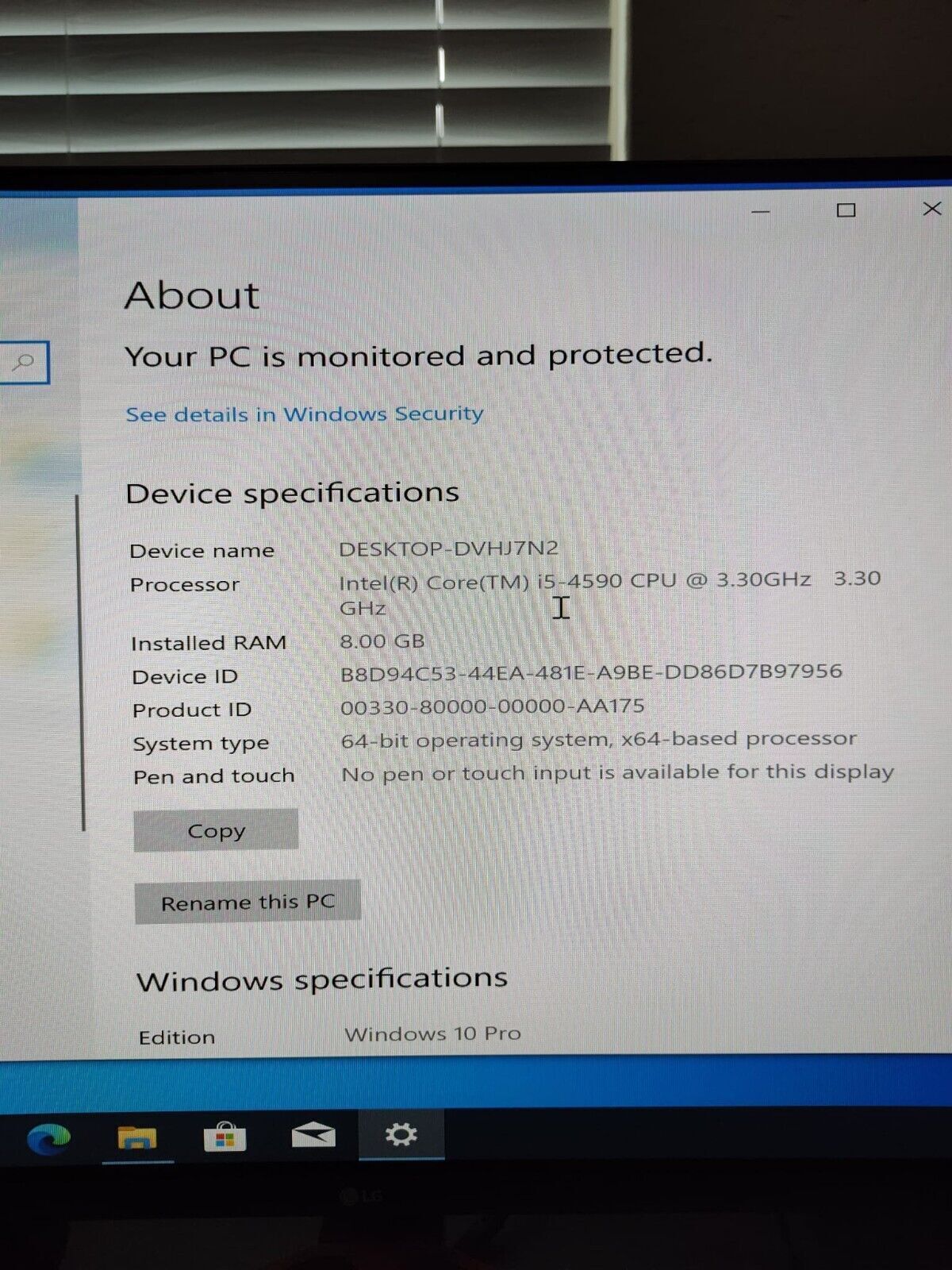
Dell OptiPlex 7020 SFF i5-4590 3.30GHz Business Desktop Computer PC Win 10 Pro
$ 84.99

• Table 1. ProcessorFEATURESPECIFICATIONProcessor typeIntel Core i3/i5/i7
series
•
• Intel Dual Core seriesTotal CacheUp to 8 MB cache depending on processor typeTable 2. MemoryFEATURESPECIFICATIONTypeDDR3Speed1600MHzConnectors: Mini-Tower, Small Form Factorfour DIMM slotsCapacity2 GB, 4 GB, and 8 GBMinimum Memory2 GBMaximum memory16 GBTable 3. VideoFEATURESPECIFICATIONIntegratedIntel HD Graphics 4600 (i3/i5/i7 DC/QC Intel 8 Series Express chipset CPU-GPU Combo) and Intel HD Graphics ( Pentium CPU-GPU)DiscretePCI Express x16 graphics adapterTable 4. AudioFEATURESPECIFICATIONIntegratedtwo channel High Definition AudioTable 5. NetworkFEATURESPECIFICATIONIntegratedIntel I217LM Ethernet capable of 10/100/1000 Mb/s communicationTable 6. System InformationFEATURESPECIFICATIONSystem chipsetIntel 8 series Express chipsetDMA Channelstwo 8237 DMA controllers with seven independently programmable channelsInterrupt LevelsIntegrated I/O APIC capability with 24 interruptsBIOS Chip (NVRAM)12 MBTable 7. Expansion BusFEATURESPECIFICATIONBus TypePCIe gen2, gen3 (x16), USB 2.0, and USB 3.0Bus SpeedPCI Express:
• x1-slot each direction speed –500 MB/s
• x16-slot each direction speed–16 GB/s SATA: 1.5 Gbps, 3.0 Gbps, and 6 GbpsTable 8. CardsFEATURESPECIFICATIONPCI: Mini-Towerup to one full-height card Small Form FactornonePCI Express x1: Mini-Towerup to three full-height cards Small Form Factorup to two low-profile cardsPCI-Express x16: Mini-Towerup to two full-height cards Small Form Factorup to two low-profile cardsTable 9. DrivesFEATURESPECIFICATIONExternally Accessible (5.25-inch drive bays): Mini-Towertwo Small Form Factorone slim-optical drive bayInternally Accessible 3.5-inch SATA drive bays: Mini-Towertwo Small Form Factorone 2.5-inch SATA drive bays: Mini-Towertwo Small Form Factortwo
• Table 10. External ConnectorsFEATURESPECIFICATIONAudio: Front Panelone microphone connector
• one headphone connector
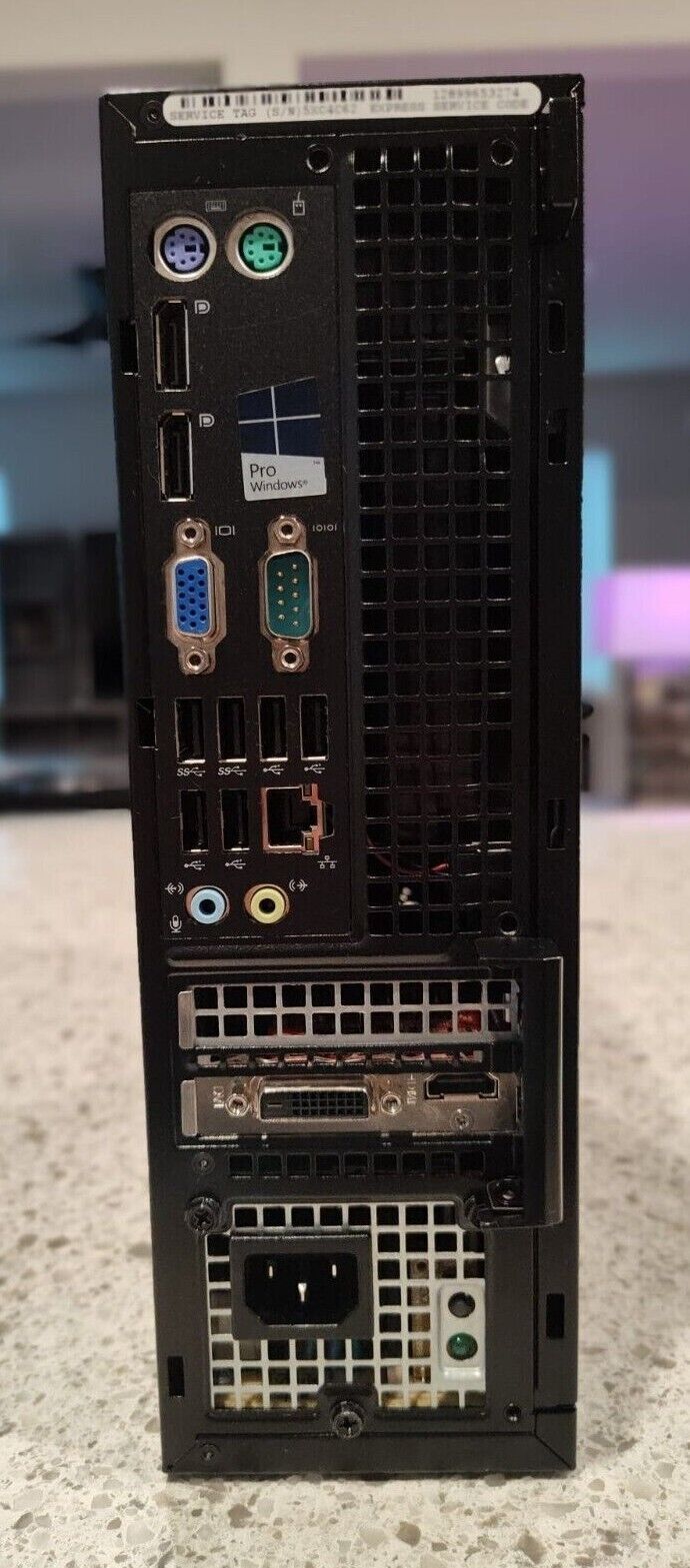
• Back Panelone line-out connector
• one line-in/microphone connector
• Network Adapterone RJ45 connectorSerialone 9-pin connector; 16550 C compatibleParallelone 25-pin connector (optional for minitower and small form factor)USB 2.0:Front Panel: two
• Back Panel: four
• USB 3.0:Front Panel: two
• Back Panel: two
• Video15-pin VGA connector
• two 20-pin DisplayPort connectors
•
• NOTE: Available video connectors may vary based on the graphics card selected.
• Table 11. Internal ConnectorsFEATURESPECIFICATIONPCI 2.3 data width (maximum) – 32 bits Mini-Towerone 120-pin connector Small Form FactornonePCI Express x1 data width (maximum) – one PCI Express lane Mini-Towerone 36-pin connector Small Form FactornonePCI Express x16 (wired as x4) data width (maximum) – four PCI Express lanes Mini-Towerone 164-pin connector Small Form Factorone 64-pin connectorPCI Express x16 data width (maximum) – 16 PCI Express lanes Mini-Tower, Small Form Factorone 164-pin connectorMini PCI Express data width (maximum) – one PCI Express lane and one USB interface Mini-Tower, Small Form FactornoneSerial ATA: Mini-Towerfour 7-pin connectors Small Form Factorthree 7-pin connectorsMemory: Mini-Tower, Small Form Factorfour 240-pin connectorsInternal USB: Mini-Towerone 10-pin connector Small Form FactornoneSystem Fanone 5-pin connectorFront panel control: Mini-Towerone 6–pin connector
• two 20–pin connector
• Small Form Factorone 6-pin connector
• one 10-pin connector
• one 12-pin connector
• one 20-pin connectorThermal Sensor: Mini-Towerone 2-pin connector Small Form FactornoneProcessorone 1150-pin connectorProcessor Fanone 5-pin connectorService mode jumperone 2-pin connectorPassword clear jumperone 2-pin connectorRTC reset jumperone 2-pin connectorInternal speakerone 5-pin connectorIntruder connectorone 3-pin connectorPower connector: Mini-Tower, Small Form Factorone 8-pin, one 4-pin, one 6-pin, connectorTable 12. Controls and LightsFEATURESPECIFICATIONFront of the computer: Power button lightWhite light — Solid white light indicates power-on state; blinking white light indicates sleep state of the computer. Drive activity lightWhite light — Blinking white light indicates that the computer is reading data from or writing data to the hard drive.Back of the computer: Link integrity light on integrated network adapterGreen — a good 10 Mbps connection exists between the network and the computer. Green — a good 100 Mbps connection exists between the network and the computer. Orange — a good 1000 Mbps connection exists between the network and the computer. Off (no light) — the computer is not detecting a physical connection to the network. Network activity light on integrated network adapterYellow light — A blinking yellow light indicates that network activity is present. Power supply diagnostic lightGreen light — The power supply is turned on and is functional. The power cable must be connected to the power connector (at the back of the computer) and the electrical outlet.
• Table 13. Power
• NOTE: HEAT DISSIPATION IS CALCULATED BY USING THE POWER SUPPLY WATTAGE RATING. WATTAGEMAXIMUM HEAT DISSIPATIONVOLTAGEMini-Tower290 W989.00 BTU/hr100 VAC to 240 VAC, 50 Hz to 60 Hz, 5 ASmall Form Factor255 W870.00 BTU/hr100 VAC to 240 VAC, 50 Hz to 60 Hz, 4.4 ACoin-cell battery3 V CR2032 lithium coin cellTable 14. Physical Dimension HEIGHTWIDTHDEPTHWEIGHTMini-Tower36.00 cm (14.17 inches)17.50 cm (6.89 inches)41.70 cm (16.42 inches)9.40 kg (20.72 lb)Small Form Factor29.00 cm (11.42 inches)9.30 cm (3.66 inches)31.20 cm (12.28 inches)6.00 kg (13.22 lb)Table 15. EnvironmentalFEATURESPECIFICATIONTemperature range: Operating5 °C to 35 °C (41 °F to 95 °F) Storage–40 °C to 65 °C (–40 °F to 149 °F)Relative humidity (maximum): Operating20 percent to 80 percent (non-condensing) Storage5 percent to 95 percent (non-condensing)Maximum vibration: Operating0.26 GRMS Storage2.20 GRMSMaximum shock: Operating40 G Storage105 GAltitude: Operating–15.2 m to 3048 m (–50 to 10,000 ft) Storage–15.20 m to 10,668 m (–50 ft to 35,000 ft) Airborne contaminant levelG1 or lower as defined by ANSI/ISA-S71.04-1985